
REGISTRATION - TDS Free Mentoring!
Our Free Mentoring Program is designed for individuals who want to start their trading journey with proper guidance and structure. This program provides access to beginner-friendly learning, community support, and foundational knowledge to help you understand the market.
Through this program, you will be introduced to the basics of trading, develop discipline, and learn how to approach the market with the right mindset—without any cost.
Before joining, you are required to have an ACCM Global or Vantage account under Trader D’s IB.
If you are new to ACCM Global or Vantage, you need to create an account. However, if you already have an ACCM Global or Vantage account, you need to change your IB.
For a detailed guide on how to create an ACCM Global or Vantage account / Change IB. You may refer to the FAQs below.
Frequently Asked Questions (FAQs)
Choose ONLY one that is applicable for you. DON’T do all of them.
How to Create an ACCM Global Account?
1
Step 1: Click the Official Link
Click here to open the registration page
https://accm.global/account/register?shareUserSetId=38ab4bfdbb174bec9
Make sure the code 38ab4bfdbb174bec9 is at the end of the link so you are automatically added to our network.
Step 2: Fill Out the Form
Name: Use your real, legal name (exactly as it appears on your ID). No nicknames.
Email & Phone: Use your active email and current mobile number.
Password: Create a strong password you can remember.
Step 3: Verify Your Email
Check your email inbox for a verification code (OTP) from ACCM Global.
(If you don't see it, check your Spam/Junk folder).
Enter the code on the website to activate your account.
Step 4: Select Your Account Settings
When prompted to set up your trading account details, select these exact settings:
Account Type: Choose Standard Account
Leverage: Select 1:500
Step 5: Verify Your Identity (KYC)
Log in to your new dashboard.
Upload a clear photo of a valid Government ID (Passport, Driver's License, etc.) to unlock full deposit and withdrawal privileges.
How to Change IB on ACCM Global ?
2
Step 1: Open Your Email
Use your registered email address with ACCM Global.
Step 2: Compose a New Email
Send To: csse@accmfx.com & roselle@accmfx.com
Step 3: Set the Email Subject
TRANSFER MY ACCOUNT TO MY REAL IB
Step 4: Copy and Paste the Email Body
Dear Support Team,
Good day.
Please transfer my IB line to dhenz.gonzales1978@gmail.com
My account details are as follows:
Name: [Enter your full name]
Email: [Enter your registered email]
ID: [Enter your ACCM ID]
Thank you.
Sincerely,
[Your full name]
Step 5: Send the Email
After sending, please wait for confirmation from ACCM Support.
Important Notes:
Ensure all details are correct before sending.
Use only your registered email with ACCM Global.
Do not modify the IB email.
Important Reminders:
Please make sure that your trading account is already funded with a minimum deposit of $50 before answering the form. Forms submitted without a funded account may not be processed.
For members who requested a change of IB, kindly wait for the successful IB transfer confirmation and make sure to fund your account first before answering the form.
Before answering this form, please make sure that you have created your trading account using Trader D’s official link or have successfully changed your IB.
This is required for verification and access to the Free Mentoring Community.
If you have any questions or need assistance, please feel free to contact us through our Facebook page.
Thank you!
Free Mentoring Registration Form
Screenshot Examples:
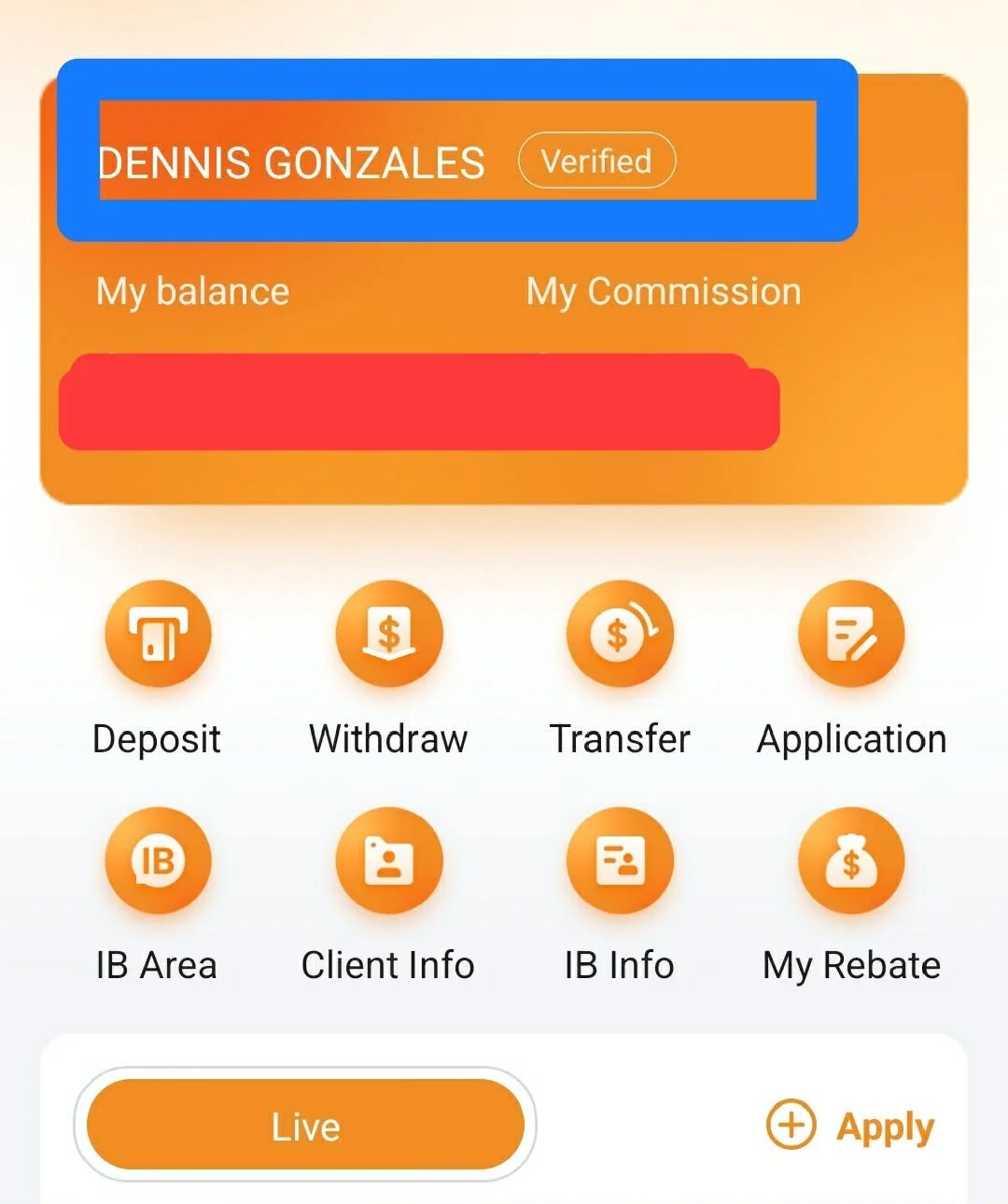
ACCM Global Creation:
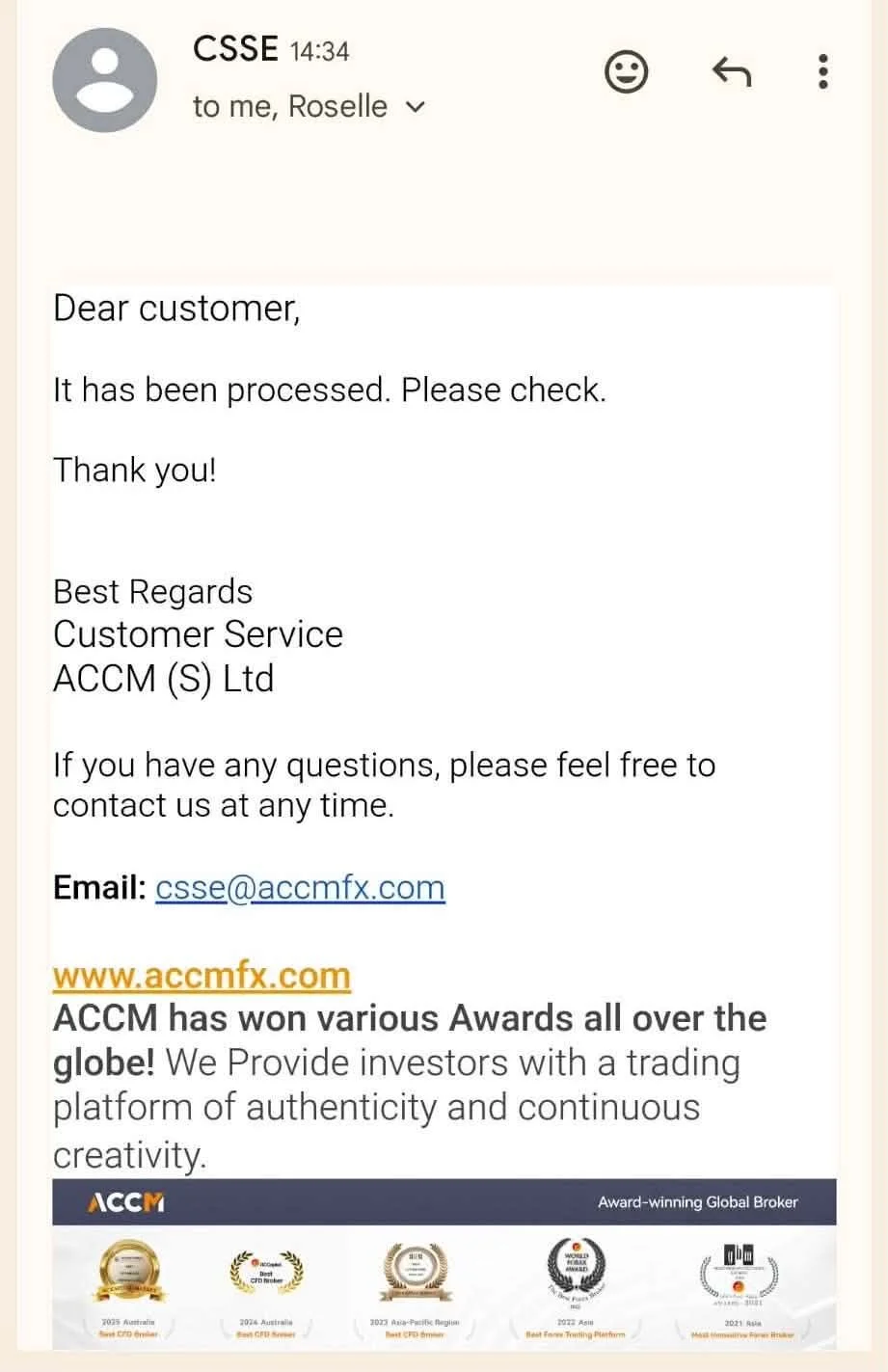
ACCM Global IB Change:
Required Apps
To fully access the Trader D Strategy community, please make sure to download and use the following applications:
01
DISCORD (HIGHLY REQUIRED)
This is our main platform for announcements, lessons, and learning materials. All important updates and resources are posted here.
02
TELEGRAM
For signals and additional updates